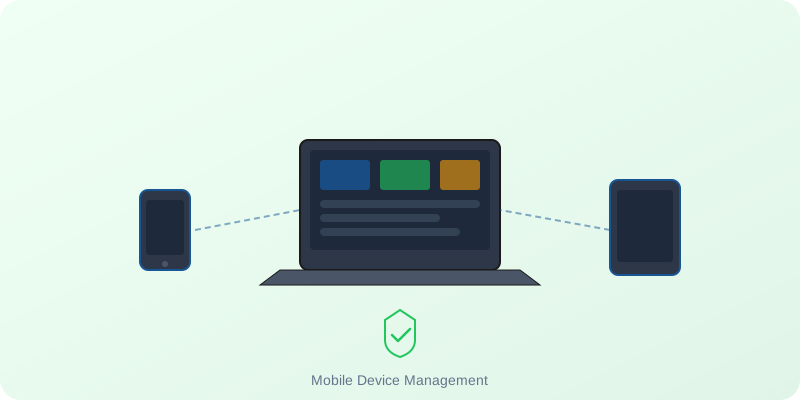
As hybrid work transition completes, managing corporate hardware has become significantly more complex. When employees work from home, public transit, and remote offices, IT teams can no longer walk to a desk to configure settings or resolve security issues. The organization's fleet of laptops, tablets, and smartphones must be secured, updated, and managed remotely over the internet.
This is where Mobile Device Management (MDM) systems are critical. An MDM platform gives IT administrators centralized control over every corporate-owned endpoint, ensuring security compliance, software distribution, and asset tracking. Here is a guide to why MDM is essential and how platforms integrate with modern enterprise hardware.
1. Zero-Touch Deployment: Out-of-the-Box Setup
Historically, when a new employee joined, IT had to physically configure the laptop, install software, and hand it over. MDM completely automates this. Using zero-touch deployment programs like Windows Autopilot and Apple Business Manager, devices can be shipped directly from the reseller (like NHA India) to the employee's home.
When the employee unboxes the laptop and connects it to WiFi, the MDM system automatically recognizes the device, registers it under the corporate domain, and downloads all pre-approved corporate software, emails, and security configurations. The employee is ready to work in minutes, and the IT department never has to touch the physical device.
2. Hardware-Level Security Enforcement
A lost or stolen corporate laptop is a massive security risk. MDM allows IT teams to enforce security protocols at the hardware level, including:
- Mandatory Encryption: Forcing BitLocker (Windows) or FileVault (Mac) activation to prevent data extraction from lost hard drives.
- Remote Wipe: Instantly erasing all data from a reported missing laptop or smartphone remotely as soon as it connects to the internet.
- OS Update Management: Scheduling and pushing out critical security patches and operating system updates remotely, ensuring no device falls behind and becomes vulnerable to exploit.
3. Application Control and Containerization
MDM platforms (such as Microsoft Intune, VMware Workspace ONE, or Jamf) allow IT departments to curate a "corporate app store." This enables employees to download approved productivity tools easily while blocking unauthorized, potentially malicious software. Additionally, MDM can containerize corporate data, separating business emails and documents from personal files to prevent data leaks.
Integrating MDM with Procurement
Setting up a remote workspace ecosystem requires coordinating software licenses with hardware procurement. At NHA India, we act as a strategic systems integrator. We work with your IT team to link Apple Business Manager and Windows Autopilot directly to our distribution channels, ensuring any Apple, HP, Dell, or Lenovo device we supply is pre-registered to your company's MDM profile before delivery.
Secure Your Remote Endpoints
Want to configure zero-touch deployment for Apple, HP, Dell, or Lenovo devices? Consult with our mobility engineering team.