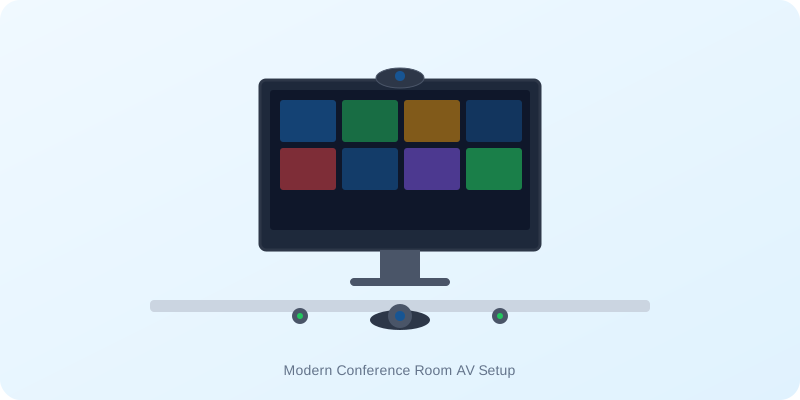
The role of the meeting space has evolved. In today's enterprise, almost every meeting includes at least one remote participant. A standard monitor and table-mounted speakerphone are no longer sufficient. A modern conference room must be a seamless, hybrid-ready collaborative hub where in-room and remote team members can brainstorm side-by-side without technical friction.
Designing an effective conference room involves selecting and coordinating hardware across three key areas: video displays, audio systems, and room control. Here is a buying checklist for planning your next meeting room upgrade.
1. Visual Display: Monitors vs. Interactive Flat Panels
The screen is the visual anchor of the room. While standard commercial displays (from brands like Samsung and LG) are great for simple presentations, modern workspaces are increasingly moving toward Interactive Flat Panels (IFPs) like those from Maxhub and ViewSonic.
IFPs combine 4K displays with responsive touchscreens, digital whiteboard software, and wireless screen sharing. This allows in-room participants to annotate documents on the screen in real-time, while remote users see the edits instantly on their screens. For collaborative design, engineering, or planning sessions, an IFP is a game-changer.
2. Audio Systems: Crystal Clear Boardroom Acoustic capture
A meeting can survive poor video, but it cannot survive poor audio. Modern boardrooms require dedicated microphone arrays and speakers. Look for systems featuring:
- Beamforming Microphone Arrays: Wall-mounted or ceiling-mounted microphones that track who is speaking in the room, muting paper rustling and HVAC hums while projecting clear voice feeds to remote listeners.
- Full-Duplex Audio: Audio systems (like the Jabra Speak2 or Poly Studio series) that allow participants on both sides of the call to speak simultaneously without clipping or cutting off audio.
- Smart Speaker Tracking: Video bars that automatically focus the camera on whoever is speaking, creating a natural face-to-face conversational flow.
3. Unified Room Kits: One-Touch Join Systems
The biggest time-waster in corporate meetings is trying to connect laptops to cables and dialing into calls. Microsoft Teams Rooms (MTR) and Zoom Rooms hardware kits (certified by Jabra and Poly) eliminate this problem entirely.
Equipped with an in-room tablet controller, these systems link directly to the room's calendar. To start a meeting, participants simply walk in and press a single "Join" button on the tablet. The system automatically turns on the screen, cameras, and audio feeds, instantly launching the call.
Conclusion & Setup Support
Investing in the right AV technology bridges the distance gap for hybrid teams, ensuring your client pitches and internal brainstorms run flawlessly. At NHA India, we provide end-to-end AV integration in Noida and across India. We don't just supply the hardware—we handle room calibration, network configuration, and mounting to ensure perfect acoustic and visual performance.
Build a Hybrid Conference Room
Want to integrate Microsoft Teams Rooms or install a 4K Maxhub Interactive Display? Speak with our AV solutions engineers today.